
Wi-Fi 7
Move around large parts with Wi-Fi 7 data transfer, with USB 3.0 available for wired operation.
WIRELESS METROLOGY
93 laser lines, built-in video photogrammetry and Wi-Fi 7 in a compact 550 g scanner.
System architecture & capabilities
Bring precise 3D capture to the part, from intricate assemblies to large fixtures and tooling.
Move around large parts with Wi-Fi 7 data transfer, with USB 3.0 available for wired operation.
Capture precise surface geometry with accuracy validated in an ISO/IEC 17025 accredited laboratory.
Use video photogrammetry, reference markers and the included scale bars for volumetric accuracy of 0.02 mm + 0.015 mm/m.
 WIRELESS METROLOGY
Performance highlights
Explore the capabilities that affect capture, output quality and day-to-day operation.

Your workflow
Included FreeScan software
Choose the mode for the part size, surface and measurement goal. Calibrate and apply reference markers where required.
A prepared measurement setup
Included FreeScan software
Scan over Wi-Fi 7 or USB 3.0. Review real-time mesh, resolution and coverage; use VPG and scale bars for larger measurements.
Reviewed 3D scan data
Optional downstream software
Transfer to SHINING3D Inspect for dimensional inspection or continue in compatible reverse-engineering software.
Inspection reports or CAD deliverables
Application fit
Explore representative use cases before confirming system fit.
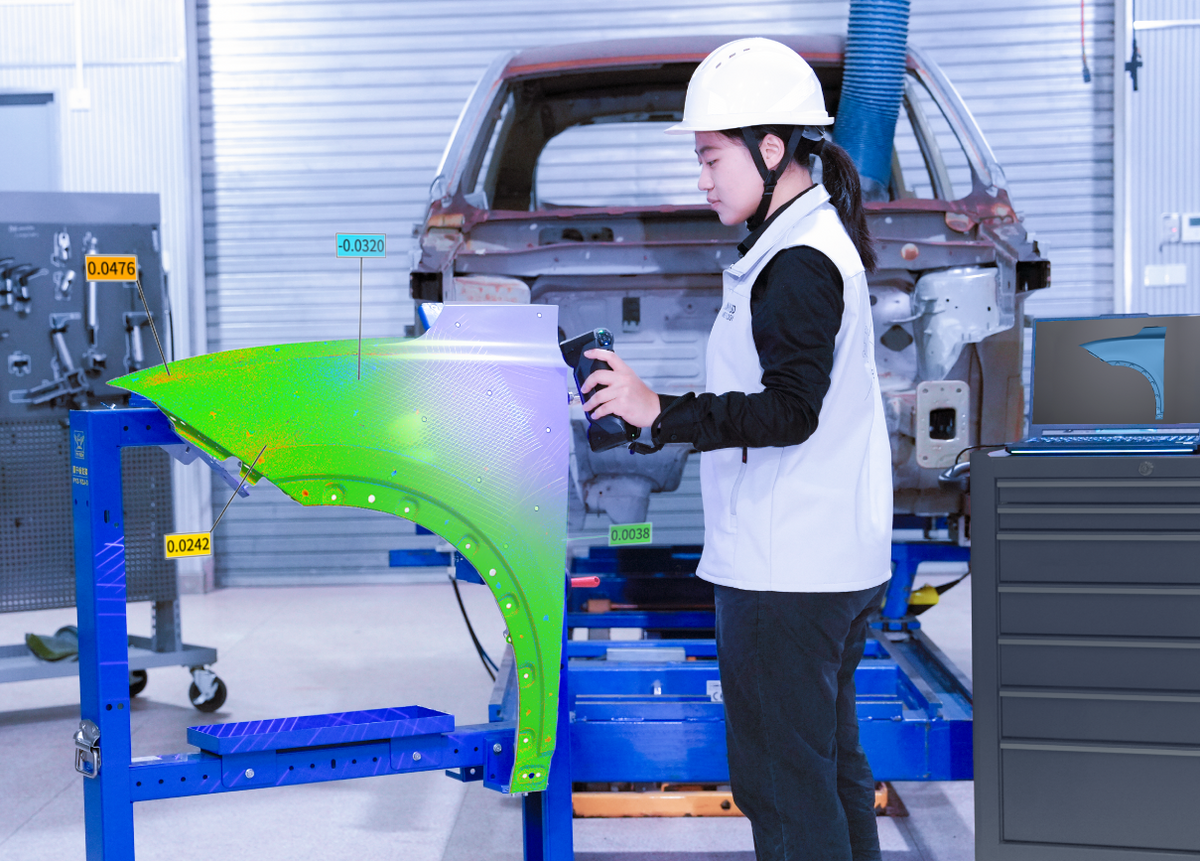
Select the inspection license and acceptance workflow to match your tolerance requirements.
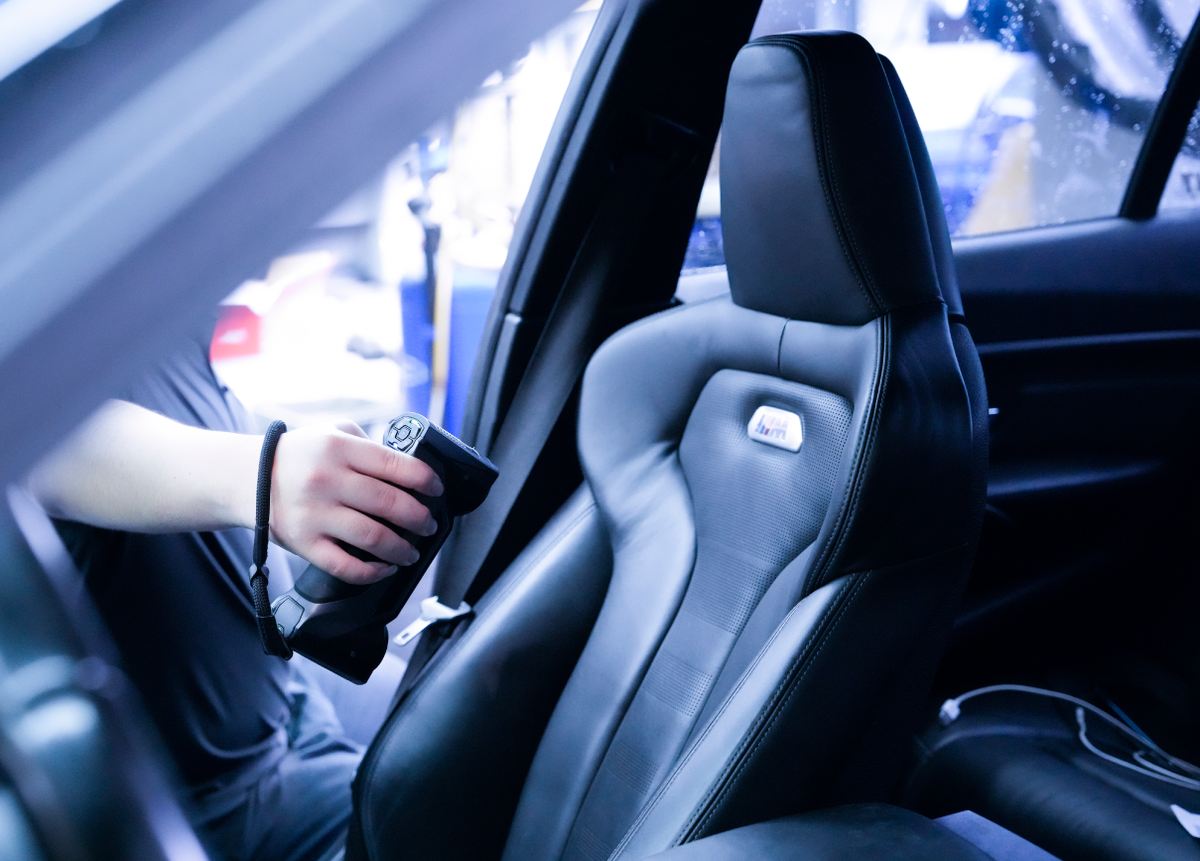
EXModel Pro and other scan-to-CAD software are optional. Choose the license around the required CAD deliverables.
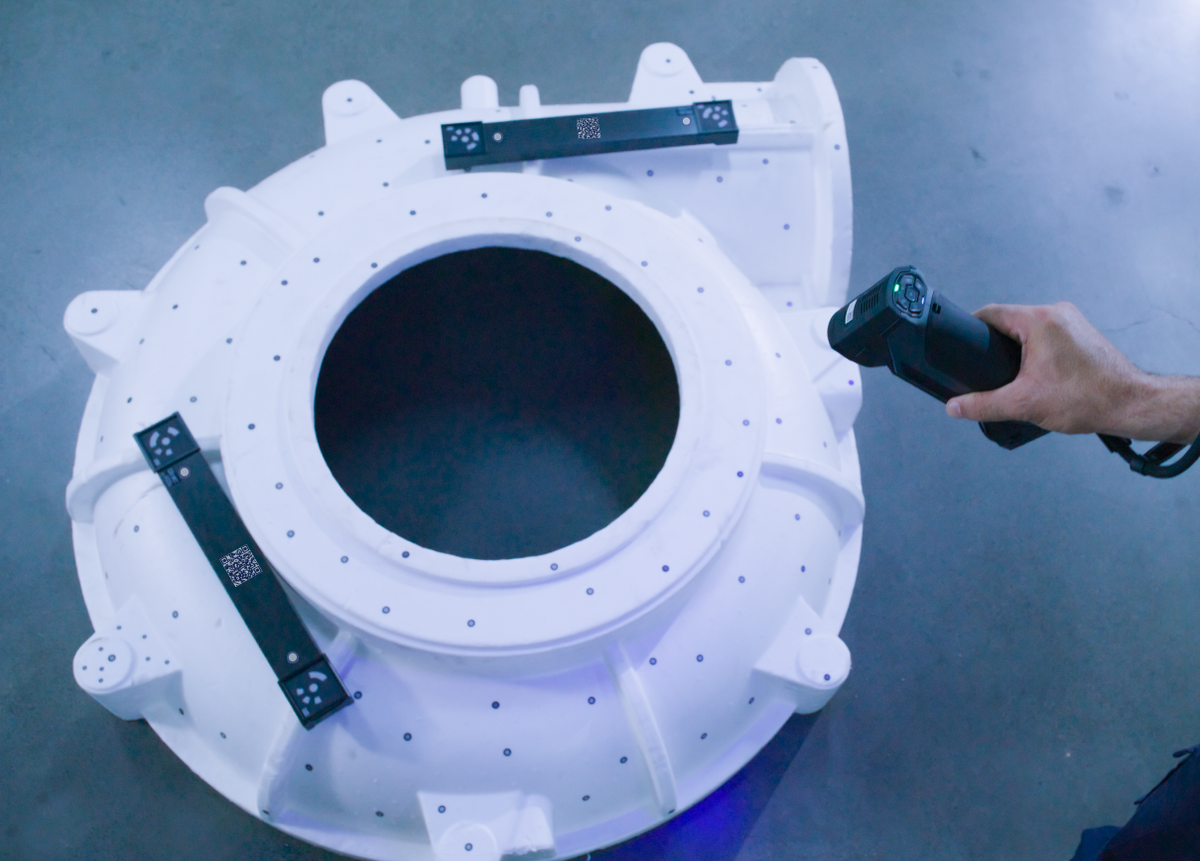
The VPG workflow uses reference markers and scale bars; coded markers are not required.
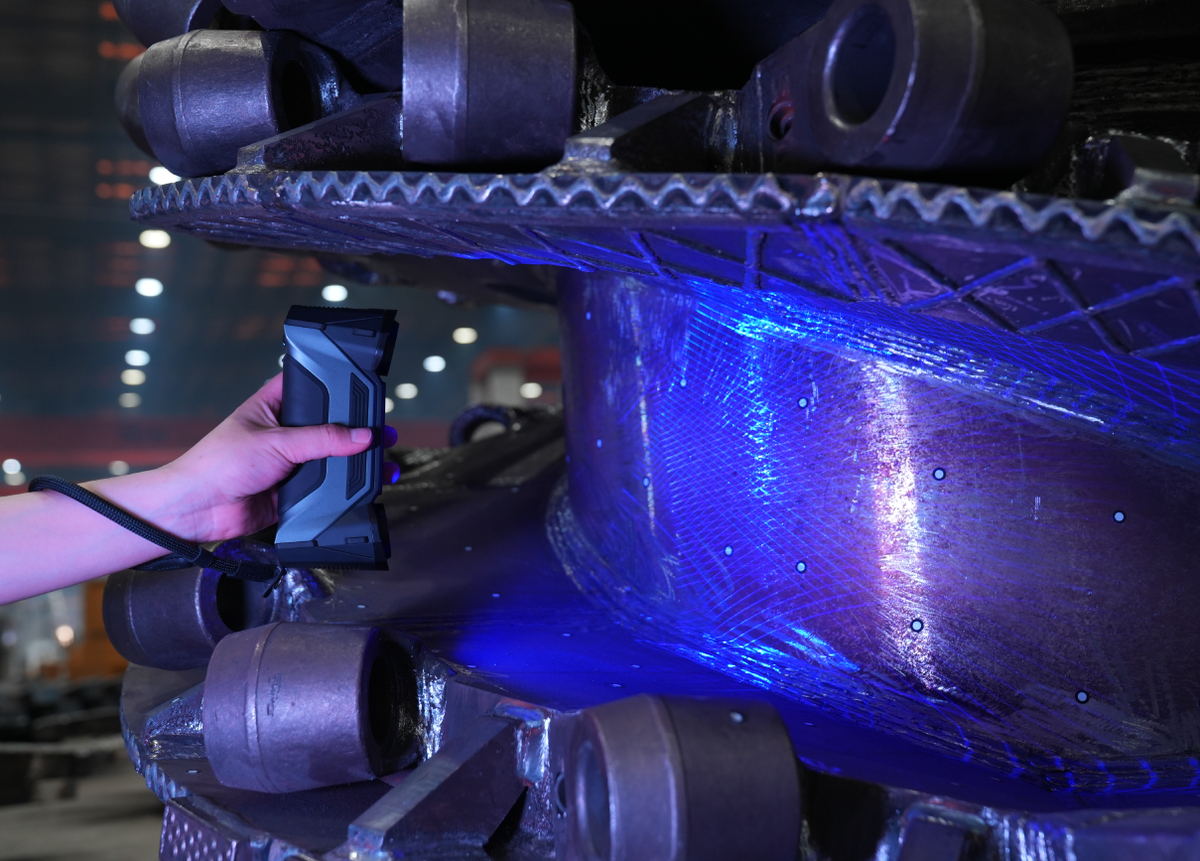
Line of sight, surface condition and feature size still determine what can be measured.
Video library
Use official demonstrations, case studies, and tutorials to assess real operation.
Technical evidence
Open the data set needed for engineering, IT, quality, and procurement review.
Open a category to review the full specification.
| Battery runtime | Up to 2 hours of continuous scanning per battery |
|---|---|
| Dimensions | 189 × 81 × 53 mm (7.44 × 3.18 × 2.08 in) |
| Net weight | 550 g (1.212 lb) |
| Working temperature | -10 to 40 °C (14 to 104 °F) |
| Working humidity | 10% to 90% |
| Battery quantity | 3 rechargeable batteries |
| Charging | Charge two batteries while one is in use |
| Accuracy | 0.02 mm (manufacturer specification under stated test conditions) |
|---|---|
| Volumetric accuracy | 0.02 mm + 0.03 mm/m |
| Volumetric accuracy with VPG | 0.02 mm + 0.015 mm/m |
| Maximum scan speed | Up to 9,106,000 points/s |
| Frame rate | Up to 180 fps |
| High-speed mode | 93 laser lines |
| Detailed mode | 25 parallel laser lines |
| Deep-pocket mode | 1 laser line |
| Large-component mode | Built-in Video Photogrammetry (VPG) |
| IR rapid mode | Infrared VCSEL |
| Maximum field of view | Laser: 580 × 650 mm; IR: 830 × 700 mm |
| Working distance | 300 mm (11.81 in) |
| Point distance | 0.01–10 mm |
| VPG reference tools | Two validated scale bars; reference markers required, coded markers not required |
| Connection | Wi-Fi 7 or USB 3.0; compatible Windows workstation required |
|---|---|
| Operating system | Windows 10 Pro or Windows 11 Pro, 64-bit |
| Included capture software | FreeScan software; no subscription fee for the included capture software |
| Optional inspection software | SHINING3D Inspect; license to be confirmed separately |
| Component | Recommended |
|---|---|
| Operating system | Windows 10 Pro or Windows 11 Pro, 64-bit |
| Processor | Intel Core Ultra 9 275HX or above |
| Graphics | NVIDIA GeForce RTX 5080 Laptop GPU or above |
| Video memory | 12 GB or above |
| RAM | 64 GB or above, dual-channel DDR5 |
| Connection | USB 3.0; Wi-Fi 7 supported for wireless scanning |
Manufacturer-recommended configuration for FreeScan Combo+ Wireless. A workstation is required and is not included unless specified in the quote. Minimum specifications were not separately published in the brochure.
| Acceptance test | ISO 10360 certified; tested in an ISO/IEC 17025 accredited accuracy laboratory |
|---|
Interactive results
Load a model to examine surface detail and captured geometry.
Package contents
Review the documented hardware, included accessories and software access for this product.
Manufacturer-confirmed components
Confirm the final regional packing list and any additional accessories on the formal quote. Workstation, optional software and training are quoted separately.
{"one"=>"Select 2 or 3 items to compare", "other"=>"{{ count }} of 3 items selected"}


